GAMMA Online Community
GAMMA hosts a private email group service on https://Groups.io, a platform for communicating with each other through an email group. Register at https://groups.io/g/gammasupport.
About the GAMMA Online Community
GAMMA's online community is a great way to share your story, learn about what other men are experiencing, find friendship and support from men in similar situations. The platform is an active community of men who identify as gay, bisexual or other, and have been or are married or in relationship to a woman.
Some men coming to GAMMA are looking to stay in their marriages. Other men are looking to come out as gay or bisexual. Men often are in the midst of trying to make sense of their attraction to men and decide what they want for their life. GAMMA does not tell a man what to do. We support men in their journey, as each man decides on the right life choices for himself.
Account Setup
You will need to first register on Groups.io and create a Groups.io account. Once you have created your Groups.io account then you can request access to the GAMMAsupport group.
When registering for Groups.io you will be asked to enter your email and will get a message in email requesting you to 'Confirm Account'. When you confirm the account you will be asked to setup a password.
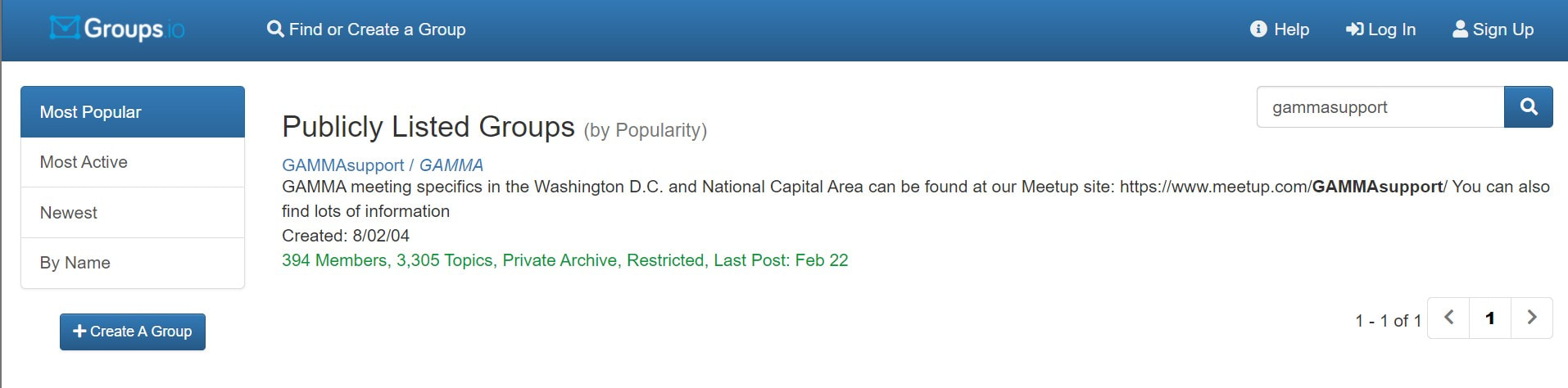
Once you have setup your Groups.io account, search for GAMMAsupport. Click on the group name to request access.
You will also get a separate email with four screening questions that you must complete and return. Once your answers have been reviewed and approved by our moderator, you will be granted access to the online group.